Sure, you could technically just do that manually. But using a purpose-built app designed for that task is just so much less work. Even a veteran Linux user is likely to use an app like dd instead of creating a boot disk manually.
An even better option is Ventoy - You just drop the raw .isos onto the drive and it gives you all of them as options in a bootloader. Can put all of your distros on one drive (and even windows isos if you really need to for some reason).
It’s literally drag and drop after initializing MBR, format FAT, set active. Rufus is pointless.
Lemmy is sure showing its usual technical incompetency while pretending they are superior because they can install Linux. In a shitpost thread no less.


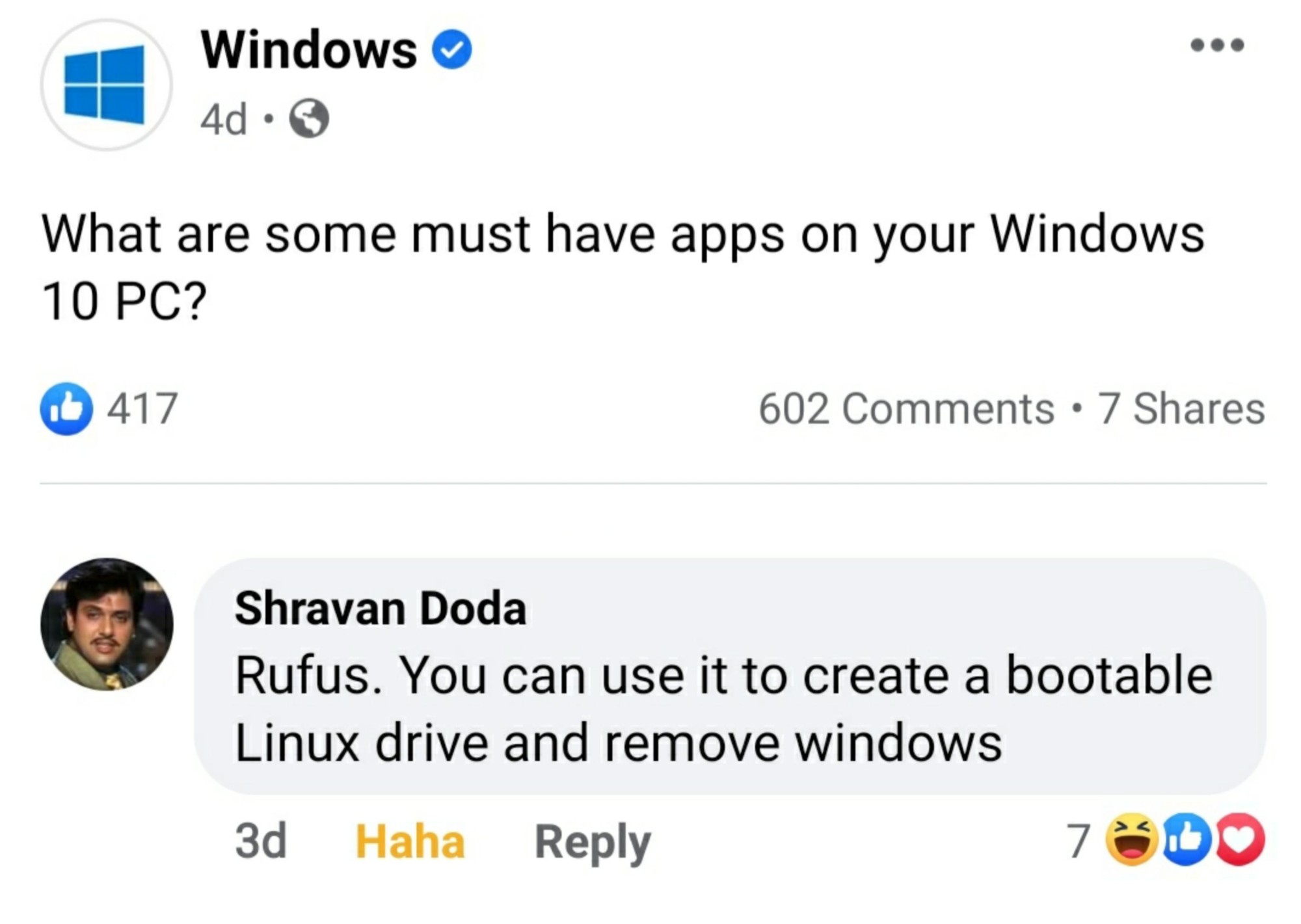
If you need an app to format a drive and copy some files, maybe you should stick with Windows.
Pfft, executing write instructions is for normies. I flip bits myself with nothing but a small magnet and my sense of pride
Sure, you could technically just do that manually. But using a purpose-built app designed for that task is just so much less work. Even a veteran Linux user is likely to use an app like dd instead of creating a boot disk manually.
An even better option is Ventoy - You just drop the raw .isos onto the drive and it gives you all of them as options in a bootloader. Can put all of your distros on one drive (and even windows isos if you really need to for some reason).
Is that still using sketchy precompiled blobs? Or was that situation handled?
I thought there was a fork that removed those, but I can’t remember the name.
Funny, I just tried ventoy for the first time the other day. Can vouch, it’s pretty slick!
You for real?
100%
It’s literally drag and drop after initializing MBR, format FAT, set active. Rufus is pointless.
Lemmy is sure showing its usual technical incompetency while pretending they are superior because they can install Linux. In a shitpost thread no less.
Rufus let me install windows on to a portable drive when my NVME failed. Windows wouldn’t let me do that
Whoosh