I was thinking about rooting my phone to install LineageOS, but unfortunately, that plan won’t be possible because I don’t really understand how to do it, and I don’t have a computer or another phone to help me.
The only thing I’ve done so far is disable Google Play services, and I’m using a few microG apps instead. :/
You don’t need to root your phone, just unlock the bootloader. But yes you will need to hook it to a PC or maybe another phone to make it work. I did mine off a PC.


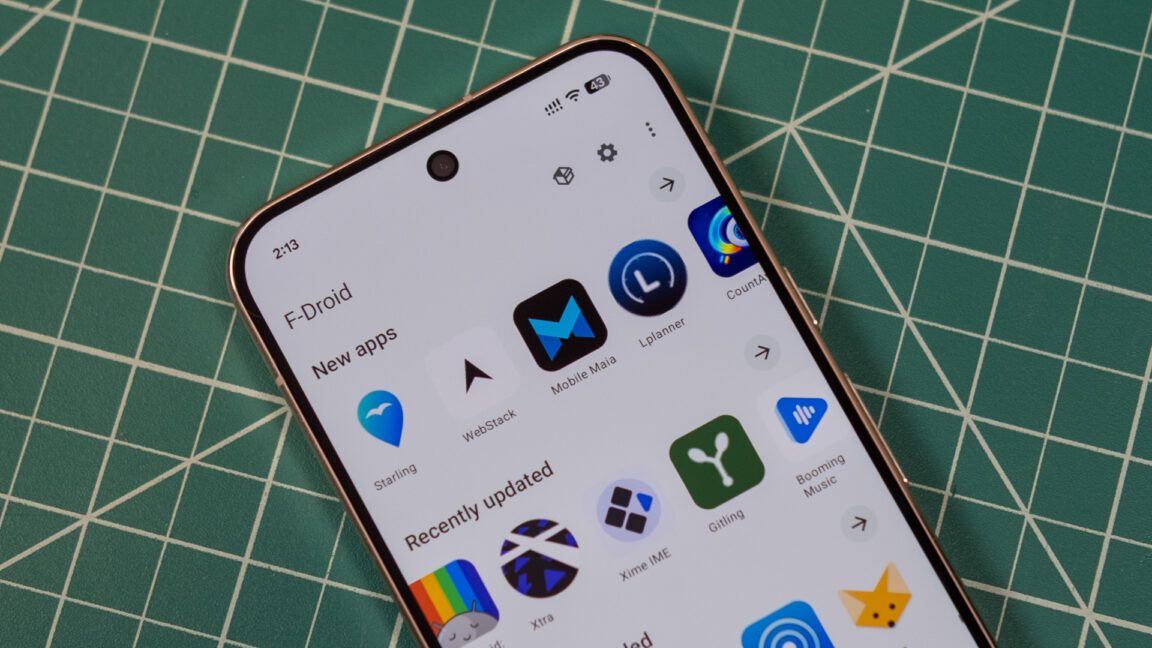
You can opt out of it by putting your phone in “developer mode” or by using something like LineageOS
I was thinking about rooting my phone to install LineageOS, but unfortunately, that plan won’t be possible because I don’t really understand how to do it, and I don’t have a computer or another phone to help me.
The only thing I’ve done so far is disable Google Play services, and I’m using a few microG apps instead. :/
LineageOS is great I am using it right now, however do keep in mind that you do not need to root your phone in order to install LineageOS.
What:0
But you don’t need to unlock the bootloader. Your phone is needed to install LineageOS.
Half the videos I watched on YouTube were of people saying you need to format your phone. Or do this or that to unlock that phone -_-
You don’t need to root your phone, just unlock the bootloader. But yes you will need to hook it to a PC or maybe another phone to make it work. I did mine off a PC.
That’s why I gave up, I don’t understand any of this stuff. Furthermore, the bootloader seems like something very complicated to do.(。•́︿•̀。)