GUI has the fundamental advantage that you can mostly find your way around without having to know commands, syntax, file paths etc. That’s a huge advantage for the vast majority of users.
plus: most people learn graphically (visually) much easier than text-based. at least for me, it’s much easier to build an intuition of something if i get a graphical display of the contents in a directory. that’s why i always ls -alh every new directory that i enter, before i do anything else. for many people, it’s better to use GUI file explorer because you also get image previews etc. but the same concept also applies to other issues:
like, if you want to configure various hardware on your machine, you open the settings app and get many icons that you can click on. meanwhile, on the terminal, there’s no clear list of things that you can even configure.
yea as much as like using the command line, I’m having a hard time remembering all the options required, especially with things i use rarely. the discoverability is just better in GUIs
Discoverabilty is the point. That’s what a GUI excels at. The focus of the terminal is “expressiveness” (I think that’s the commonly used word). It is usually clear when you need one vs the other: bulk or compound tasks, repetitive tasks, or very particular tasks are where the terminal excels.
It sounds like you might benefit from man or tldr as a sidenote. Most people know man, but tldr is also a nice to have.


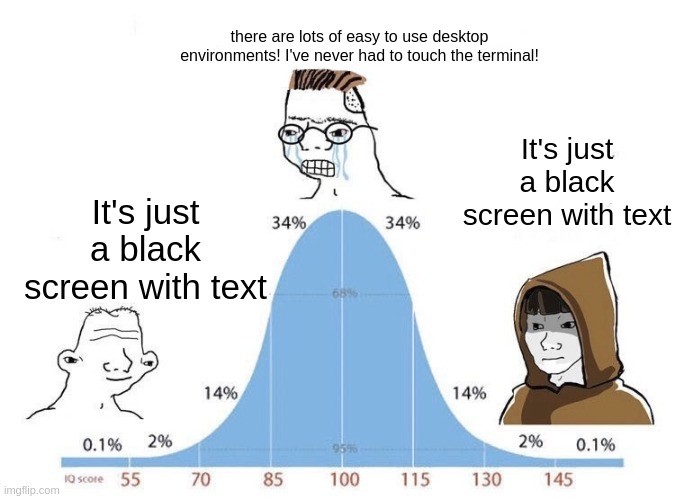
GUI has the fundamental advantage that you can mostly find your way around without having to know commands, syntax, file paths etc. That’s a huge advantage for the vast majority of users.
plus: most people learn graphically (visually) much easier than text-based. at least for me, it’s much easier to build an intuition of something if i get a graphical display of the contents in a directory. that’s why i always
ls -alhevery new directory that i enter, before i do anything else. for many people, it’s better to use GUI file explorer because you also get image previews etc. but the same concept also applies to other issues:like, if you want to configure various hardware on your machine, you open the settings app and get many icons that you can click on. meanwhile, on the terminal, there’s no clear list of things that you can even configure.
yea as much as like using the command line, I’m having a hard time remembering all the options required, especially with things i use rarely. the discoverability is just better in GUIs
Discoverabilty is the point. That’s what a GUI excels at. The focus of the terminal is “expressiveness” (I think that’s the commonly used word). It is usually clear when you need one vs the other: bulk or compound tasks, repetitive tasks, or very particular tasks are where the terminal excels.
It sounds like you might benefit from man or tldr as a sidenote. Most people know man, but tldr is also a nice to have.