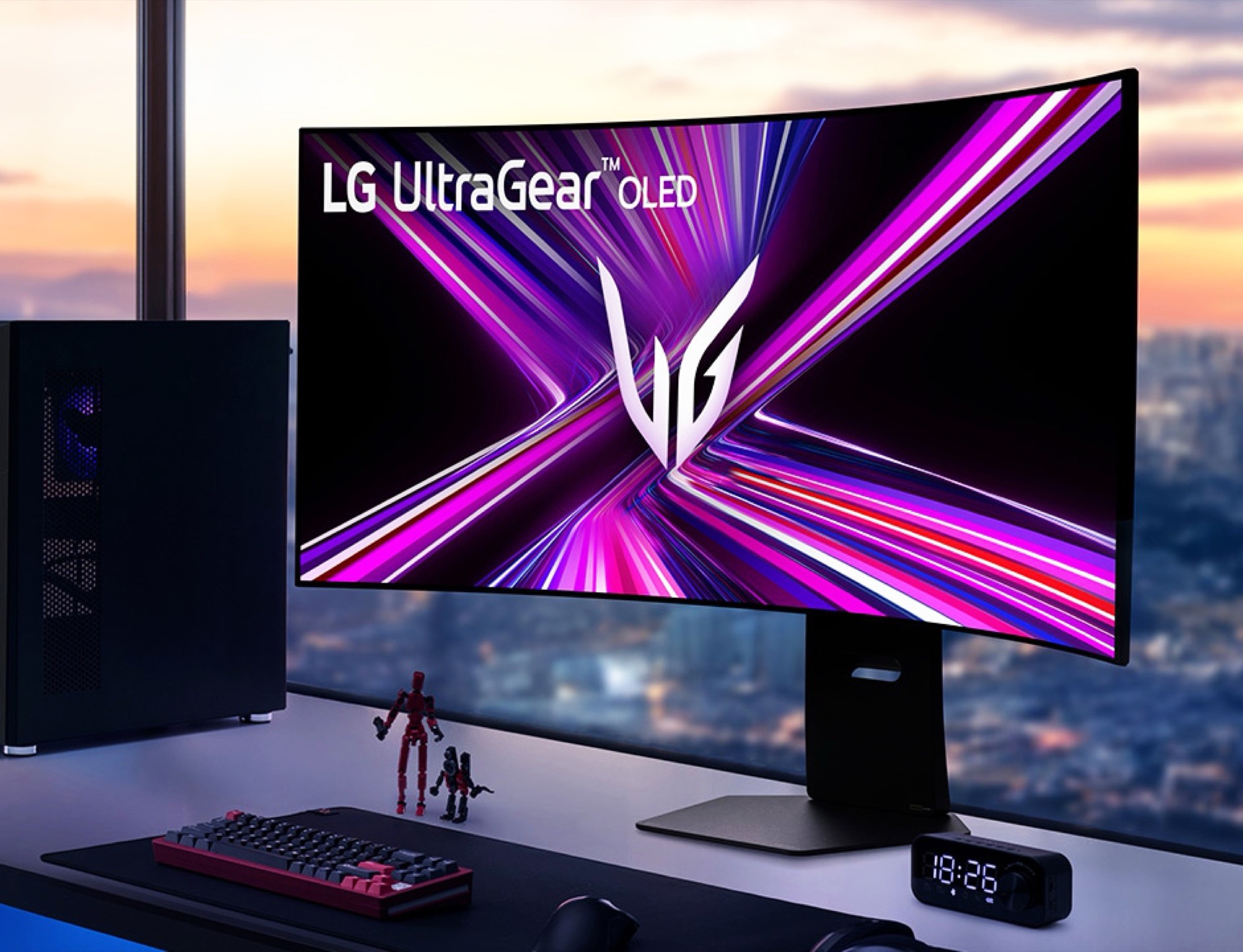
Anyone who owns an LG smart TV must inform all guests and family members that they are being monitored – this is required by LG’s current terms of use. Meanwhile, LG monitors install potential malware and surveillance software on a connected Windows computer.


I have an LG TV that has never been exposed to the internet and it’s amazing.
Same! I jailbroke mine and can watch YouTube and Twitch ad-free, and it’s got Jellyfin on the homebrew channel, so I can access my server off my TV :)
Omg you can jailbreak smart TVs now? HELL yeah
EDIT: I am especially interested in LG webOS because I was a Palm Prē enjoyer back in the day and I rooted the fuck out of that phone (still have it somewhere)
Check out rootmy.tv to jailbreak your LG smart TV. Depending on the model and firmware, there could be additional steps you need to take, but in my case, since I still had the stock firmware installed, it was just a single slide of a button on the TV’s web browser.
I had to put malicious mp3 files on a USB for my newer C2, but my older C8 was rooted in the browser
LOL, this is hilarious, while simultaneously infuriating that the owners of hardware are required to install a Trojan Horse to uninstall the malicious software installed by the manufacturer.
https://github.com/throwaway96/dejavuln-autoroot#instructions
So are there downsides to rooting? Like do the apps no longer work or is there functionality limited?
I’m running pinhole on my network currently so I think most if not all of the bad LG behavior is restricted and I use a Shield for most things, but I’m still tempted to root it anyway. Just want to know the downsides, if any, before I update my family’s TV
I’m probably an unsuitable person to ask this since my TV is basically a glorified monitor, but from what I could tell there are no downsides except for the obvious one being that I can’t update my TV. But considering much bloat and spying is going on with (LG) smart TVs, I don’t mind it all.
I use Twitch, YouTube, and Jellyfin on mine, and it’s been awesome. I hadn’t used any other functionality or apps the TV comes with before rooting and I likely won’t in the future. So even if some of them didn’t work, I couldn’t care less.
Maybe do some research and find out for your specific model?
Thanks so much for the rootmy.tv recommendation, exactly what I need but didn’t know to look for!
on my 5+ year old TVs that didn’t work. you need a developer account, an app, and a few commands over SSH
That phone was the coolest thing, it’s such a shame how it died. I’ve still got mine lol, I can get it to boot and play that one flight sim game you could buy on the app store.
You don’t even need to jailbreak LG ones, just enable developer mode, install webosbrew, and install things like youtube adfree and space cadet pinball
That’s awesome. Mine is 42" and I’m using it as my monitor for my desktop. I had no idea you could jailbreak TVs now, what a time to be alive. I recently picked up a Raspberry Pi 5 and I’m planning on using it to replace my stupid Chromecast on my living room TV. As long as the Pi can stream from my Jellyfin server and watch YouTube then that’s all I need.
There’s a website called rootmy.tv that can help you find or execute roots right off the TV’s web browser. When I bought the TV, I hadn’t connected it to the Internet a single time, so it still had the stock firmware. I could just type in the URL and click a single button - that’s it. Depending on the firmware, model and brand, this could look different for you. Also I’m not sure if this only works for LG TVs - might have to do some research to find a suitable method for yours.
That also sounds very practical. I’d love to get into Pis sometime, but the RAM fiasco is making them quite expensive for my current budget, sadly.
This is it. Skip all the setup screens and just use it
I went through the nonsense of putting the LG tv and some other stuff on a separate network that has no internet access but I can still connect to them. It’s annoying that’s needed.
That won’t save you. It’ll still install the driver if its hooked to Windows.
So, I don’t get this; if you let it install the drivers and then uninstall the drivers and use it, will it just keep reinstalling the drivers with each next connection?
Apart from the obviously superior solution of switching to Linux, would someone need to connect while fully offline to prevent it from installing drivers and just watch predownloaded stuff (or play games offline) or what?
By default? Maybe.
But there are both global and granular Windows policies to tweak this. I disabled the device driver specifically, as I do like plug-and-play for other devices.
It will install the drivers… through HDMI? I don’t think so.
No, I just mean windows update will pull an LG “driver” and install it to your system automatically when it detects the display.
My LG TV is just so old it isn’t allowed to connect anymore lol. I just keep my old gaming laptop connected and it’s a far better experience then any modern smart TV with all the image smoothing junk.