Came to say this, I’ll add that its is a completely safe and free option.
Benefits over official methods:
zero cost (don’t pay MS $10)
no need to format to install LTSC
no need for a Microsoft account (keep your privacy if you have local only account)
Its FOSS so the entire script can be downloaded and read before you run it if you feel uncomfortable fetching some random script from the web and running it via terminal, as I did.
I love Linux and use it myself, but not everyone is ready to move.
For them, an extended Windows 10 EOL is a nice bridge to give them some more time to plan a main OS install (backup all their data, test replacement apps, etc) as OP said. It’s not about knowledge or capabilities it’s about options, time and many people waiting until they can afford a new PC build to move to linux.
This may surprise you, but to your average person (or even your technical person who is time-poor for whatever reason), moving to a new OS is a frustrating or time consuming process, so they delay the move until they get (or build) a new PC.
Your average person stays on the same OS for the lifetime of the computer.
you can modify a text file on an ent/iot installer to allow system and data preserving upgrades on pretty much anything, even ‘home’ or ‘home premium’ editions. i have one here that went 8 pro to 11iot–runs great, and have tested 7hp to 11iot as well. that was the test done before i did the one that ‘mattered’… still using it the test system, too. haven’t bothered to redo it or reload anything else on it yet.
That’s great to hear. I’ve had mixed results with migrating Windows editions in the past, and I believe it’s still an officially unrecommended process due to hiccups that can occur during, and difficulties in diagnosing issues afterwards (can be a bit of a frankenstein as far as libraries WinSXS content, system logs, etc).
normally i’d be against ‘upgrades’, too, especially that different.
but this was a special case and i did have three decades of wading through this shit to pay the rent to work from. a fair bit of reading and a lot of prep ahead of time made the actual upgrade process itself almost completely uneventful. i did find one odd thing after it ran awhile, but it hasn’t resurfaced since.


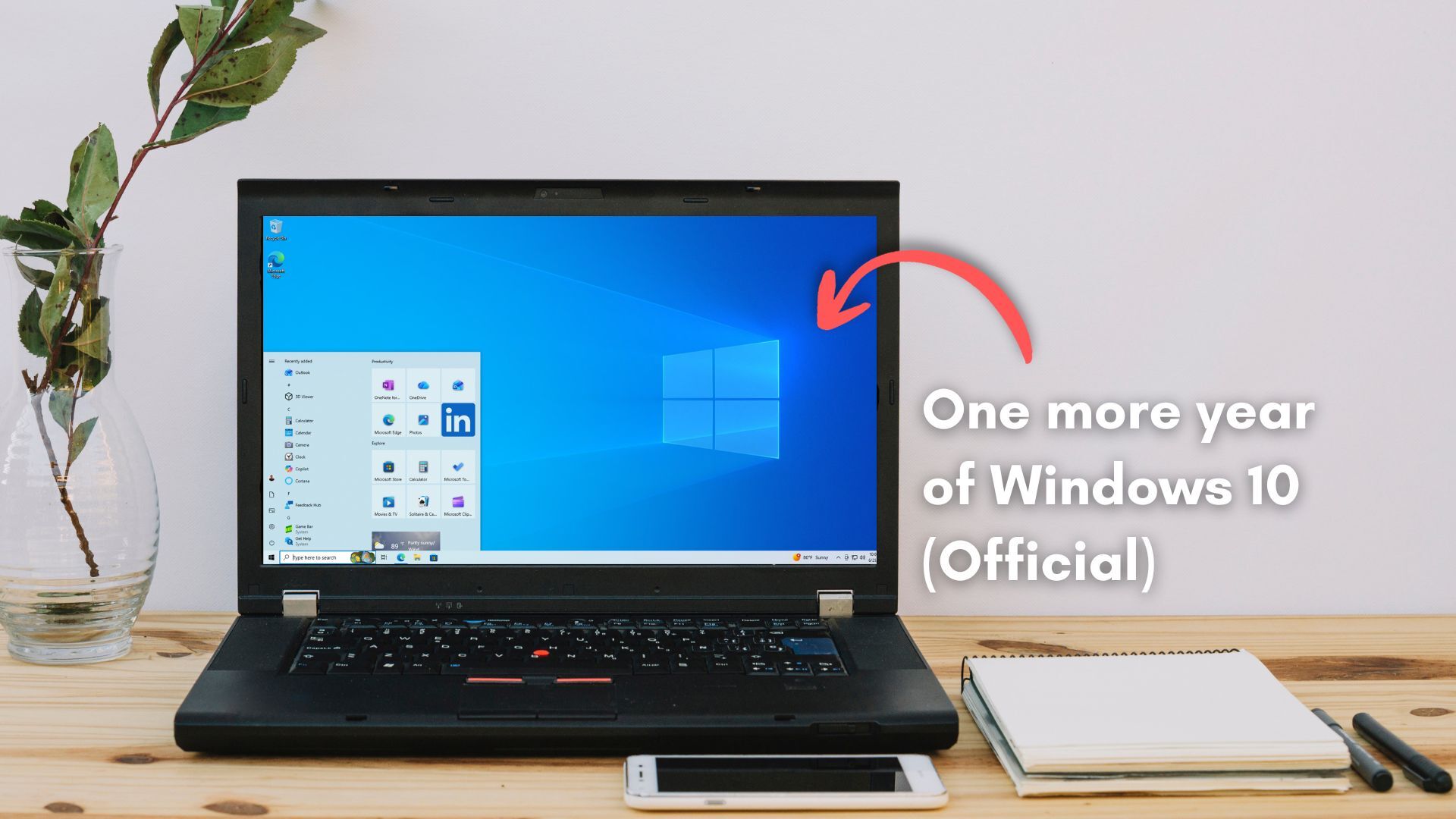
For those of you who need a longer offramp to Linux like me and maybe haven’t seen this posted before:
https://massgrave.dev/windows10_eol
You can activate any copy with support at least through 2028.
Came to say this, I’ll add that its is a completely safe and free option.
Benefits over official methods:
Its FOSS so the entire script can be downloaded and read before you run it if you feel uncomfortable fetching some random script from the web and running it via terminal, as I did.
If you can run some random script in a terminal, you already know everything you need to in order to use Linux.
My laptop is Linux. My desktop is staying win 10 a while longer because it’s compatible with a couple online games I still play every so often.
I love Linux and use it myself, but not everyone is ready to move.
For them, an extended Windows 10 EOL is a nice bridge to give them some more time to plan a main OS install (backup all their data, test replacement apps, etc) as OP said. It’s not about knowledge or capabilities it’s about options, time and many people waiting until they can afford a new PC build to move to linux.
???
Why would you need a new PC for that?
Did i say they needed it?
This may surprise you, but to your average person (or even your technical person who is time-poor for whatever reason), moving to a new OS is a frustrating or time consuming process, so they delay the move until they get (or build) a new PC.
Your average person stays on the same OS for the lifetime of the computer.
you can modify a text file on an ent/iot installer to allow system and data preserving upgrades on pretty much anything, even ‘home’ or ‘home premium’ editions. i have one here that went 8 pro to 11iot–runs great, and have tested 7hp to 11iot as well. that was the test done before i did the one that ‘mattered’… still using it the test system, too. haven’t bothered to redo it or reload anything else on it yet.
That’s great to hear. I’ve had mixed results with migrating Windows editions in the past, and I believe it’s still an officially unrecommended process due to hiccups that can occur during, and difficulties in diagnosing issues afterwards (can be a bit of a frankenstein as far as libraries WinSXS content, system logs, etc).
normally i’d be against ‘upgrades’, too, especially that different.
but this was a special case and i did have three decades of wading through this shit to pay the rent to work from. a fair bit of reading and a lot of prep ahead of time made the actual upgrade process itself almost completely uneventful. i did find one odd thing after it ran awhile, but it hasn’t resurfaced since.