Not to be that guy, but that’s 100% on you for not having backups of important work. It’s 3 years and your fucking research dissertation, how the fuck do you keep that all in one place?
This time you got fucked by Microsoft for having shit software. But it could have been your hardware that exploded, your house catching fire, your shit being stolen, you downloading malware from that one site you told your girlfriend you’d never visit again, shitty infrastructure causing power issues or flooding, you yourself having a nervous breakdown and nuking the thing.
Keep everything important at least in three places, one of which should be in a physically different (remote) place. Backup often, keep to the schedule and test your backups.
Jeez man, using Microsoft software and not having backups is like walking around with a loaded gun pointed at your dick. It’s all well and good till you get your dick blown off.
In the immortal words of Daniel Rutter (again): If nothing else, backups are necessary because at some point in your life you will confidently instruct your computer to destroy your data.
I think it’s your fault if you don’t have backups… but I legitimately think that we should restrict usage of classic Unix tools to scripts, and use safer tools ourselves… but I guess that’s just my opinion.
yeah i didnt want to script removing the tmp files bc theyre sometimes useful… usually i do read;find -delete; as like a “confirm” for me…
also, i do backup, but i guess only once a month… i was in the middle of a backup, the commands were: git add --all; git commit; find -delete; git push; and then confusion when i saw the .git folder was gone
ive been doing this for over a decade and this is the second (third?) time something like this has happened.
anyway, not trying to defend myself, maybe i should script the find and delete thing… but i just wanna hopefully prevent someone else’s data deletion.
A few years ago I deleted my whole home folder by bind-mounting it inside a chroot. When I was done with the chroot, I rm -rf-ed it without unmounting my home first.
I was lucky last time, was able to reconstruct almost all of it (99.7%) in 3 weeks of after-work messing around. The 0.3% is non-critical.
Now I do something I wrote myself with cron, rsync, hardlinks and gpg. It’s simple, easy to test and fairly bulletproof. Protip: keep many backups of your keys or you’ll wish you had.
Yeah, I was hesitant to encrypt backups for a long time, and now I have the problem that you can’t store backups of encryption headers on the encrypted device(s)
Syncthing (distributed folder sharing including “keep x copies of each file”) and duplicity (gpg-encrypted, incremental backup anywhere) are your friends.
Been using them for a very, very long time. A++ open source, cross-platform solutions.
I have a better backup system in place for my factorio saves. Script syncs the live copy to several places on the network along with compressing a timestamped copy to an external HDD which stores a bunch of copies. Then manually I might trim them down every few years or so as I don’t really need 3 different copies from March 2024 still.
I to have multi tiered backups for my laptops and do regular restores to validate them. Same for my parents and all my non technical family and friends. Its amazing that big companies mess this up since everyone does it. It’s just so cheap and easy to do. /s
Storing important data online on someone else’s computer is beyond fucked up levels of stupid:
You only need to lose your encryption key once in your lifetime afterwards, and you can consider your backup public for all the world to see.
And a single encryption weakness / backdoor will expose data just the same.
Not to mention using third party sw to “do the backup” for you and relying on them to encrypt it so that they themselves can’t read it, is very naive.
Once your data left your home network, it is no longer yours to control.
In my setup, the backup is encrypted locally, and then uploaded to Backblaze. If I leak my encryption key, then yes, Backblaze and any state actor that can compel Backblaze, might be able to read my backup (and the same goes for an encryption vulnerability). But since the connection to access the backup is also authenticated, the rest of the public would not be able to read my backup. If I leak my access credentials, then everyone could get my encrypted backup data, but not be able to decrypt it. Of course if I leak both the access credentials and the encryption key, then yes anyone that obtains both can read my backup.
Many regular people use Microsoft Onedrive or Google Drive, which offers even less protection, but it’s certainly sufficient and well enough protected to keep your dissertation protected.
In most backup services you have the option to choose what gets backed up, and what does not. But sure, it entirely depends on who you want to protect yourself from.
If your main concern is state actors, then yeah… You probably shouldn’t use something like Backblaze. You should keep everything on your own hardware. And convince a friend or some family to have a NAS sitting somewhere that can host your backup destination.
For my case I’m mostly concerned about data continuity (not losing data). But privacy is certainly also a concern, and here I have chosen to believe that the encryption is sound enough, and that my ability to keep my encryption key safe, is sufficient for the data it protects.
My main concern is that all my data is online, potentially forever (I have to assume it will be) and the only thing needed to access it is a comparatively tiny encryption key (we’re talking Megabytes) that I have to keep safe forever (or until I delete it). If I ever mess up, or a computer with the encryption key gets compromised, then there goes my data into the public domain…
Yeah, I would also like to know more on how bitlocker screwed him. Like was it a legit problem or that the device died and didnt have the keys to decrypt it? If it’s not keeping the keys somewhere safe, which it even makes you do by not allowing you to select the local device, then idk how the blame is microsoft is shitty. Need more info though.
IT lapsed and diddnt have keys for the computer. So windows 10 “updated” to windows 11 the computer bricked. IT also blocked us from plugging in usb sticks. Which they then blamed me for not backing everything thing up to one drive. It’s all just left a sour taste in my mouth


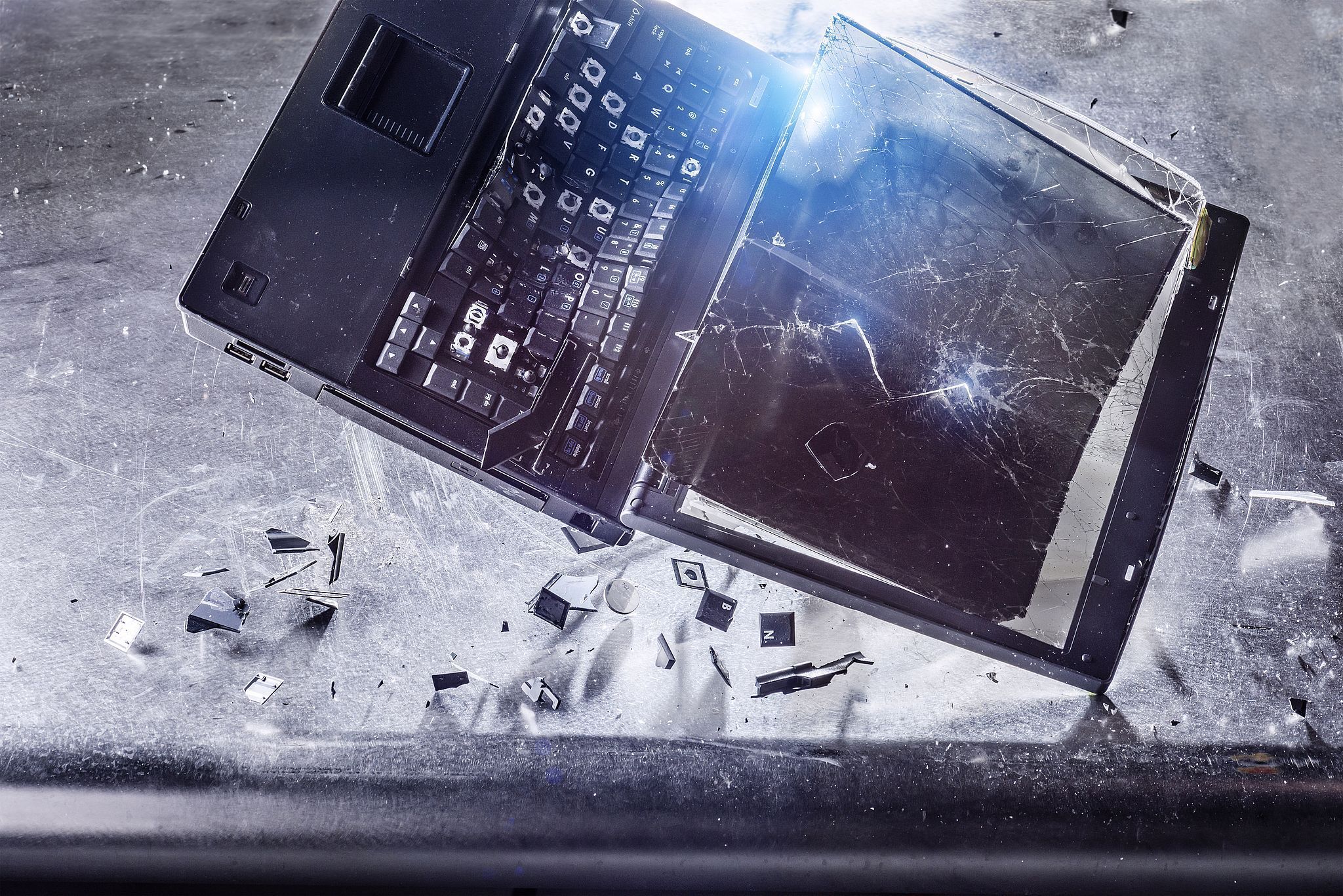
Not to be that guy, but that’s 100% on you for not having backups of important work. It’s 3 years and your fucking research dissertation, how the fuck do you keep that all in one place?
This time you got fucked by Microsoft for having shit software. But it could have been your hardware that exploded, your house catching fire, your shit being stolen, you downloading malware from that one site you told your girlfriend you’d never visit again, shitty infrastructure causing power issues or flooding, you yourself having a nervous breakdown and nuking the thing.
Keep everything important at least in three places, one of which should be in a physically different (remote) place. Backup often, keep to the schedule and test your backups.
Jeez man, using Microsoft software and not having backups is like walking around with a loaded gun pointed at your dick. It’s all well and good till you get your dick blown off.
In the immortal words of Daniel Rutter (again): If nothing else, backups are necessary because at some point in your life you will confidently instruct your computer to destroy your data.
i just deleted a month of notes by doing:
find $(pwd) “*.tmp” -delete
instead of:
find $(pwd) -iname “*.tmp” -delete
turns out the former throws an error on “*.tmp” but still deletes everything lol… PSA for everyone
I think it’s your fault if you don’t have backups… but I legitimately think that we should restrict usage of classic Unix tools to scripts, and use safer tools ourselves… but I guess that’s just my opinion.
yeah i didnt want to script removing the tmp files bc theyre sometimes useful… usually i do read;find -delete; as like a “confirm” for me…
also, i do backup, but i guess only once a month… i was in the middle of a backup, the commands were: git add --all; git commit; find -delete; git push; and then confusion when i saw the .git folder was gone
ive been doing this for over a decade and this is the second (third?) time something like this has happened.
anyway, not trying to defend myself, maybe i should script the find and delete thing… but i just wanna hopefully prevent someone else’s data deletion.
Damn! That’s a brutal one. Someone should maybe change that behavior.
why $(pwd) instead of just
.?i changed it so that ppl on lemmy who may not be familiar with the syntax of find could read it easier? maybe it made it more confusing
A few years ago I deleted my whole home folder by bind-mounting it inside a chroot. When I was done with the chroot, I
rm -rf-ed it without unmounting my home first.This happened to me, just a few weeks ago. I am glad I had btrfs snapshots…
Been there, done that.
I was lucky last time, was able to reconstruct almost all of it (99.7%) in 3 weeks of after-work messing around. The 0.3% is non-critical.
Now I do something I wrote myself with cron, rsync, hardlinks and gpg. It’s simple, easy to test and fairly bulletproof. Protip: keep many backups of your keys or you’ll wish you had.
Yeah, I was hesitant to encrypt backups for a long time, and now I have the problem that you can’t store backups of encryption headers on the encrypted device(s)
Syncthing (distributed folder sharing including “keep x copies of each file”) and duplicity (gpg-encrypted, incremental backup anywhere) are your friends.
Been using them for a very, very long time. A++ open source, cross-platform solutions.
“If it only exists on your laptop, it doesn’t exist”
I have a better backup system in place for my factorio saves. Script syncs the live copy to several places on the network along with compressing a timestamped copy to an external HDD which stores a bunch of copies. Then manually I might trim them down every few years or so as I don’t really need 3 different copies from March 2024 still.
I to have multi tiered backups for my laptops and do regular restores to validate them. Same for my parents and all my non technical family and friends. Its amazing that big companies mess this up since everyone does it. It’s just so cheap and easy to do. /s
I use Backblaze myself… But there are many other straightforward and easy backup solutions out there.
Storing important data online on someone else’s computer is beyond fucked up levels of stupid: You only need to lose your encryption key once in your lifetime afterwards, and you can consider your backup public for all the world to see. And a single encryption weakness / backdoor will expose data just the same. Not to mention using third party sw to “do the backup” for you and relying on them to encrypt it so that they themselves can’t read it, is very naive.
Once your data left your home network, it is no longer yours to control.
Well… That depends entirely on your threat model…
In my setup, the backup is encrypted locally, and then uploaded to Backblaze. If I leak my encryption key, then yes, Backblaze and any state actor that can compel Backblaze, might be able to read my backup (and the same goes for an encryption vulnerability). But since the connection to access the backup is also authenticated, the rest of the public would not be able to read my backup. If I leak my access credentials, then everyone could get my encrypted backup data, but not be able to decrypt it. Of course if I leak both the access credentials and the encryption key, then yes anyone that obtains both can read my backup.
Many regular people use Microsoft Onedrive or Google Drive, which offers even less protection, but it’s certainly sufficient and well enough protected to keep your dissertation protected.
In most backup services you have the option to choose what gets backed up, and what does not. But sure, it entirely depends on who you want to protect yourself from.
If your main concern is state actors, then yeah… You probably shouldn’t use something like Backblaze. You should keep everything on your own hardware. And convince a friend or some family to have a NAS sitting somewhere that can host your backup destination.
For my case I’m mostly concerned about data continuity (not losing data). But privacy is certainly also a concern, and here I have chosen to believe that the encryption is sound enough, and that my ability to keep my encryption key safe, is sufficient for the data it protects.
My main concern is that all my data is online, potentially forever (I have to assume it will be) and the only thing needed to access it is a comparatively tiny encryption key (we’re talking Megabytes) that I have to keep safe forever (or until I delete it). If I ever mess up, or a computer with the encryption key gets compromised, then there goes my data into the public domain…
Yeah, I would also like to know more on how bitlocker screwed him. Like was it a legit problem or that the device died and didnt have the keys to decrypt it? If it’s not keeping the keys somewhere safe, which it even makes you do by not allowing you to select the local device, then idk how the blame is microsoft is shitty. Need more info though.
IT lapsed and diddnt have keys for the computer. So windows 10 “updated” to windows 11 the computer bricked. IT also blocked us from plugging in usb sticks. Which they then blamed me for not backing everything thing up to one drive. It’s all just left a sour taste in my mouth
You sound like a paid shill for microslop
Advising people to have safe backup of their work is not being a shill for anyone, it’s basic common sense.
No, he does not. A bit of an overreaction on your part.