I just plugged in the old Steam Controller on my PC and it works for navigating around KDE just fine. No Steam Client running. Right pad is mouse, right trigger is click, joystick or left pad to scroll up/down.
Weirdly it stops working when I fire up Heroic Launcher so I’ll have to look into that. Works again if I also open the Steam client in the background.
I think that has to do with the old steam controller getting recognized as multiple HIDs, which means Heroic Launcher with activated Gamepad support might not actually work. Try deactivating gamepad support in Heroic (as counter intuitive that might be).
(Can’t try it myself because my ex got my 2 steam controllers for her PC to use as mediacenter from the couch + backup - we used it that way for a good decade and i have no issue learning something else, while she had to learn controllers from scratch when we met and it took a while, and i am not a sadist lol)
Edited to Add: You are using the so called “Snail Mode”, which in addition to being as slow as it gets regarding input sensitivity on the track pad, it also is a fixed configuration which cannot be changed. The right trackpad is a mouse (and identified by the system as such), while most of the buttons and the d-pad map to keyboard commands. Heroic sees a gamepad, but there’s actually no real gamepad input incoming, so it’s not XInput-compatible.


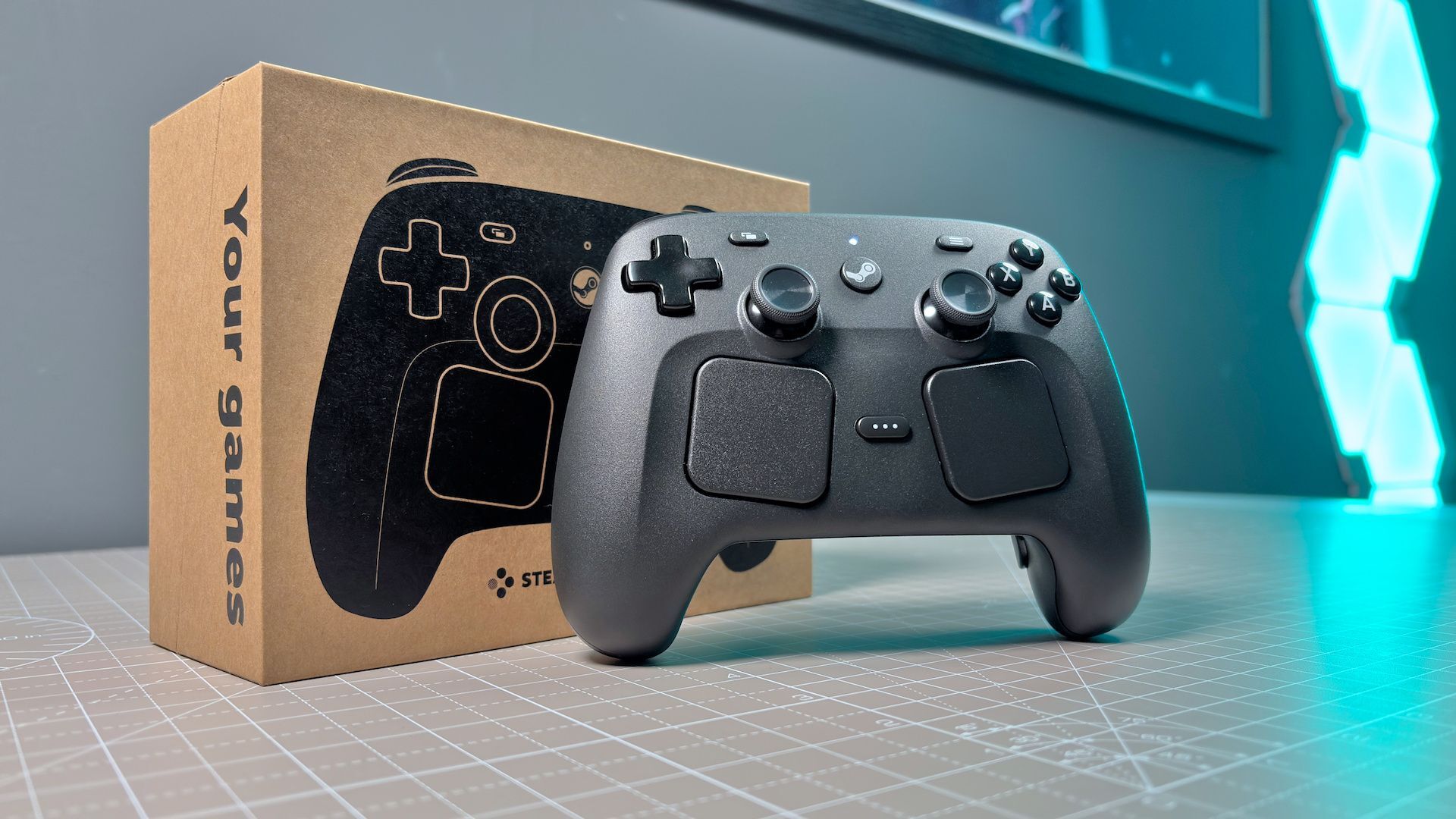
I just plugged in the old Steam Controller on my PC and it works for navigating around KDE just fine. No Steam Client running. Right pad is mouse, right trigger is click, joystick or left pad to scroll up/down.
Weirdly it stops working when I fire up Heroic Launcher so I’ll have to look into that. Works again if I also open the Steam client in the background.
I think that has to do with the old steam controller getting recognized as multiple HIDs, which means Heroic Launcher with activated Gamepad support might not actually work. Try deactivating gamepad support in Heroic (as counter intuitive that might be).
(Can’t try it myself because my ex got my 2 steam controllers for her PC to use as mediacenter from the couch + backup - we used it that way for a good decade and i have no issue learning something else, while she had to learn controllers from scratch when we met and it took a while, and i am not a sadist lol)
Edited to Add: You are using the so called “Snail Mode”, which in addition to being as slow as it gets regarding input sensitivity on the track pad, it also is a fixed configuration which cannot be changed. The right trackpad is a mouse (and identified by the system as such), while most of the buttons and the d-pad map to keyboard commands. Heroic sees a gamepad, but there’s actually no real gamepad input incoming, so it’s not XInput-compatible.
Thanks for all that!