FR. What distance and size do I need to be able to actually see the difference between 1080p and 4K? Cuz my current setup does not allow me to notice anything but the massive reduction in performance, unless it’s a 2D game and then everything becomes too tiny to effectively play the game.
I recently bought a 1440p screen (for productivity, not gaming) and I can fit so much more UI with the same visual fidelity compared to 1080p. Of course, the screen needs to be physically bigger in order for the text to be the same size.
So if 1080p->1440p is noticeable, 1080p->4k must be too.
Like I said, 2D things it is noticable only because it makes everything smaller (there is more space because the elements inside that space are smaller). However movies and 3D games? No difference.
Even going from 640x480 to 1024x768 makes a noticeable size difference with the 2D elements of a UI.
I’m using a 60 inch tv as a monitor to my desktop - I sit in front of it at a distance of about 2m. It feels really nice to have stuff in 4k, so it’s always 4k except the games that are too tough for my 2060 super to give me 60p.
It’s very noticeable at the DPI of a 27" screen from arms’ length. Or maybe not if you can’t see very well. But on a TV from 10 feet away, I dunno if I could differentiate 1440p from 4K personally.
27" 2K is a good DPI. I personally only went up to 4K 27" because I also wanted OLED, and the 2K OLED panel I was using had some noticeable text fringing because of the subpixel layout. At 4K it’s not noticeable anymore.
Yes, that’s what I am saying, for a monitor you can easily see the difference between 4K and lower. While for a tv if I remember correctly for a 55’ over 2 meters and something from the TV you can’t tell the difference between 4k and 1080p


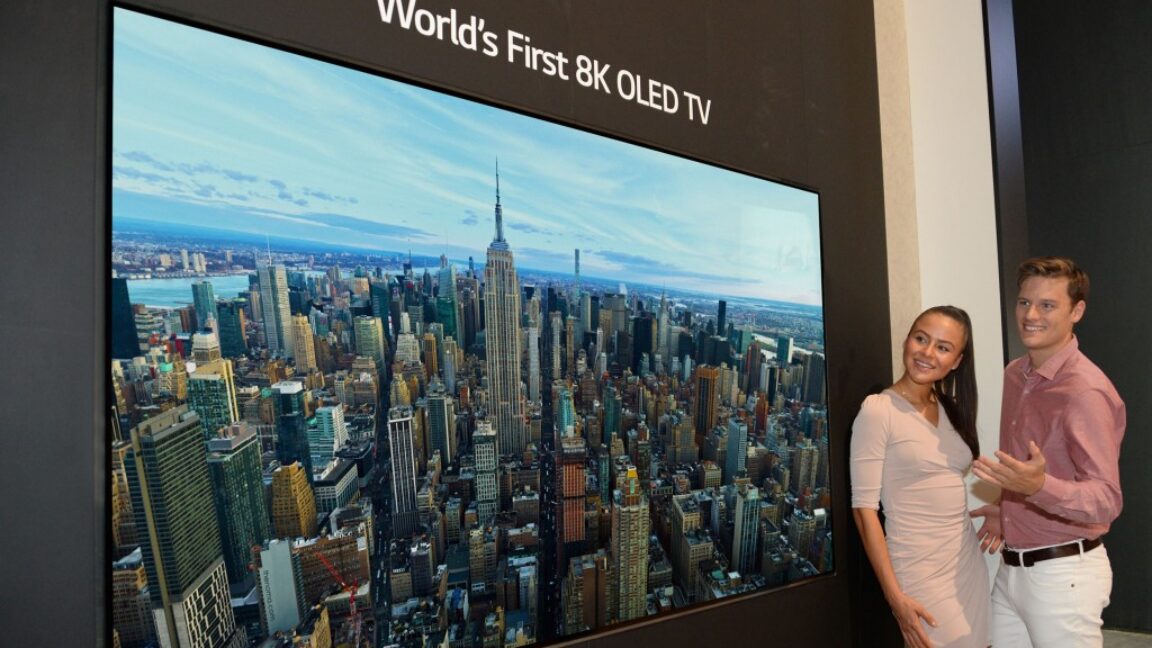
FR. What distance and size do I need to be able to actually see the difference between 1080p and 4K? Cuz my current setup does not allow me to notice anything but the massive reduction in performance, unless it’s a 2D game and then everything becomes too tiny to effectively play the game.
4k is noticeable in a standard pc.
I recently bought a 1440p screen (for productivity, not gaming) and I can fit so much more UI with the same visual fidelity compared to 1080p. Of course, the screen needs to be physically bigger in order for the text to be the same size.
So if 1080p->1440p is noticeable, 1080p->4k must be too.
Like I said, 2D things it is noticable only because it makes everything smaller (there is more space because the elements inside that space are smaller). However movies and 3D games? No difference.
Even going from 640x480 to 1024x768 makes a noticeable size difference with the 2D elements of a UI.
It’s about 60”. That’s the point where we noticed pixels at 1080P. HDR is more important.
I’m using a 60 inch tv as a monitor to my desktop - I sit in front of it at a distance of about 2m. It feels really nice to have stuff in 4k, so it’s always 4k except the games that are too tough for my 2060 super to give me 60p.
It’s very noticeable at the DPI of a 27" screen from arms’ length. Or maybe not if you can’t see very well. But on a TV from 10 feet away, I dunno if I could differentiate 1440p from 4K personally.
I have 27 inch 2k monitors at work, and it’s already enough
27" 2K is a good DPI. I personally only went up to 4K 27" because I also wanted OLED, and the 2K OLED panel I was using had some noticeable text fringing because of the subpixel layout. At 4K it’s not noticeable anymore.
For PC you can actually see the benefit between 4K and lower resolutions.
It’s for TV where it’s likely useless to have 8K
I am on a PC… You mean a smaller monitor closer to my face?
Yes, that’s what I am saying, for a monitor you can easily see the difference between 4K and lower. While for a tv if I remember correctly for a 55’ over 2 meters and something from the TV you can’t tell the difference between 4k and 1080p