install and get to the initial setup screen (out of box experience screen where you setup keyboard, etc)
press shift+f10 to get console
run “OOBE/BYPASSNRO”
It will reboot and bring you back to that same initial setup but when you get to the account page you will have an option for “I don’t have internet” which then will allow you to create a local account.
They were going to remove this but haven’t yet, at least the last time I setup a VM for some windows only software about a month ago.
Edit: This was a fresh install, not a 10->11 upgrade. I haven’t tried that way so I can’t confirm if it works on a keep everything upgrade.
The SELECT drop-down (the down arrow itself, not the entire button) even downloads a generic multi-version of the latest Win11.
It’s at the last step before creating the installer when RUFUS gives you a bunch of settings that you can leverage, one of which is a Microsoft Account bypass so you can create a local account.


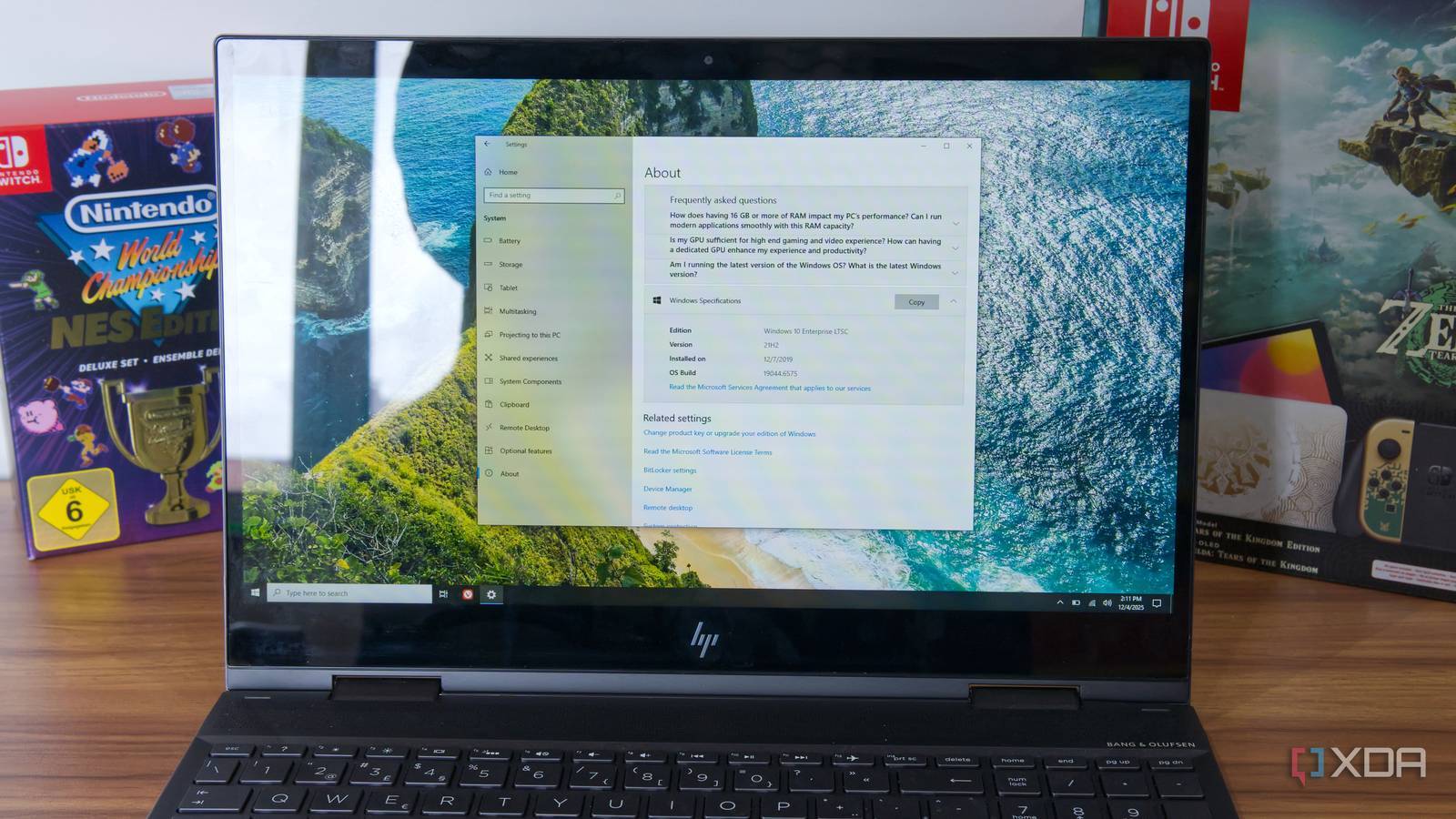
Is there a way to not require a Microsoft account? That’s why I haven’t upgraded.
Yes,
It will reboot and bring you back to that same initial setup but when you get to the account page you will have an option for “I don’t have internet” which then will allow you to create a local account.
They were going to remove this but haven’t yet, at least the last time I setup a VM for some windows only software about a month ago.
Edit: This was a fresh install, not a 10->11 upgrade. I haven’t tried that way so I can’t confirm if it works on a keep everything upgrade.
RUFUS is a lot simpler.
And upgrades keep all settings, including local accounts. They always have.
Build your USB installer using RUFUS.
The SELECT drop-down (the down arrow itself, not the entire button) even downloads a generic multi-version of the latest Win11.
It’s at the last step before creating the installer when RUFUS gives you a bunch of settings that you can leverage, one of which is a Microsoft Account bypass so you can create a local account.