gpedit.msc -> Computer Configuration -> Administrative Templates -> System -> Device Installation -> Prevent automatic download of applications associated with metadata
This is the type of stuff that leads to auto installs of applications such as logitech, razer, and in this case LG companion app.
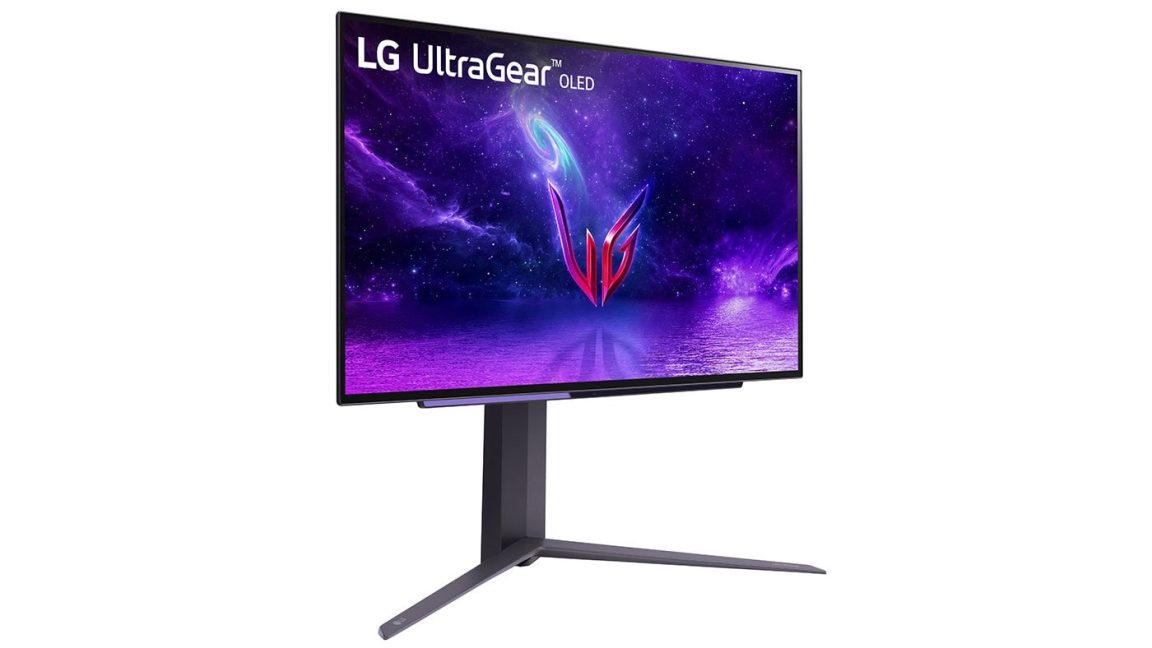
Can’t really rely on ltsc, since it was utilizing Windows driver install process so any device that tries to do what LG did is a risk. Its why people with LG monitors found that app installed despite not having smart TV functionality.


To be extra safe you should do
gpedit.msc -> Computer Configuration -> Administrative Templates -> System -> Device Installation -> Prevent automatic download of applications associated with metadata
This is the type of stuff that leads to auto installs of applications such as logitech, razer, and in this case LG companion app.
Can’t really rely on ltsc, since it was utilizing Windows driver install process so any device that tries to do what LG did is a risk. Its why people with LG monitors found that app installed despite not having smart TV functionality.