I already had it set, and so far my LG monitor hasn’t caused an LG software to be installed. But I’m on Windows 10 and I guess there’s a chance this software is only for 11.
Probably reliable until the next “feature and experience update” where they move or remove the setting and default it back to allow for all users again and all the soulless advertisers cum their pants because their malware delivered impression counts just went up again
To add to this, below are the group policy and registry locations to change this setting to do the same as the comment above in order to allow for automation. Of course with the disclaimer that you should only use these if you know what you are doing.
Group policy
Computer Configuration -> Administrative Templates -> System -> Device Installation -> Prevent automatic download of applications associated with device metadata. Set the policy to enabled.
Registry (also works on Home edition)
HKEY_LOCAL_MACHINE\SOFTWARE\Policies\Microsoft\Windows\Device Metadata. Create a REG_DWORD within called PreventDeviceMetadataFromNetwork and set the value to 1.
And no, this isn’t happening with normal monitors just those with an OS.
Source? None of the articles I’ve seen have made that connection. And nothing about the method LG is using requires an OS on the monitor.
Edit: In fact, AFAICT, the model which they explicitly investigated and reproduced this issue on does not have an OS. So unless I’m mistaken about that, you just pulled this info out of your ass.


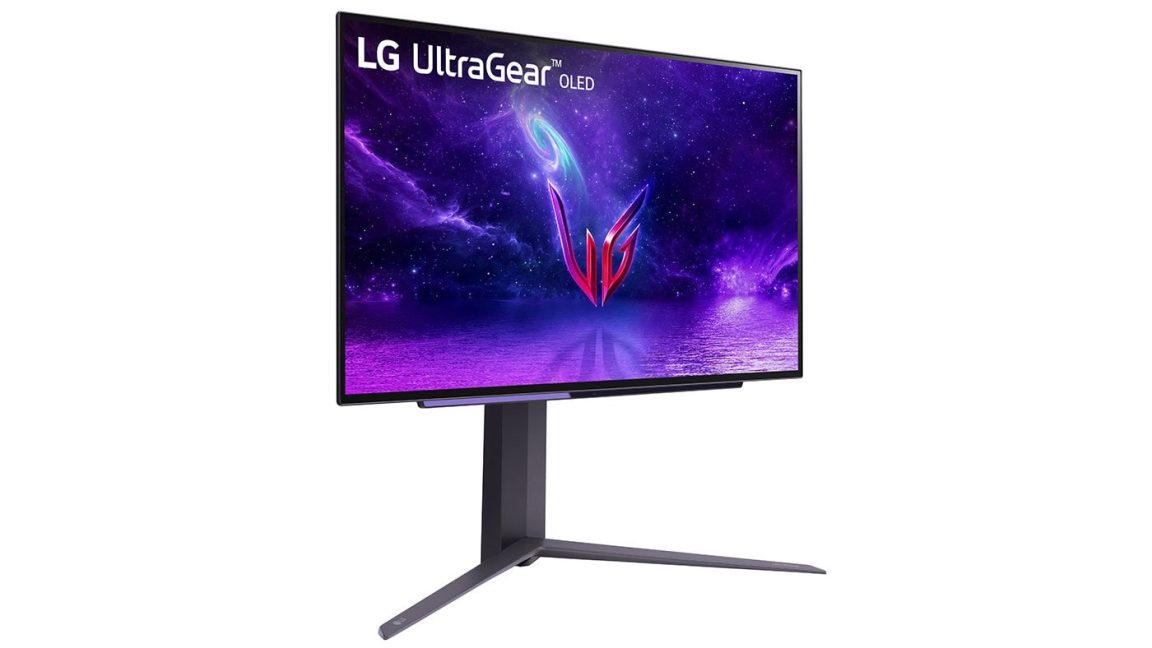
From the comments on the article:
How reliable is this?
Call me cynical or whatever you like, I don’t trust anything that isn’t a physical switch.
I already had it set, and so far my LG monitor hasn’t caused an LG software to be installed. But I’m on Windows 10 and I guess there’s a chance this software is only for 11.
Microsoft tends to undo settings they don’t like during updates.
It’s so fucking annoying too
It should be a crime.
Probably reliable until the next “feature and experience update” where they move or remove the setting and default it back to allow for all users again and all the soulless advertisers cum their pants because their malware delivered impression counts just went up again
To add to this, below are the group policy and registry locations to change this setting to do the same as the comment above in order to allow for automation. Of course with the disclaimer that you should only use these if you know what you are doing.
Group policy
Computer Configuration -> Administrative Templates -> System -> Device Installation -> Prevent automatic download of applications associated with device metadata. Set the policy to enabled.
Registry (also works on Home edition)
HKEY_LOCAL_MACHINE\SOFTWARE\Policies\Microsoft\Windows\Device Metadata. Create a REG_DWORD within called PreventDeviceMetadataFromNetwork and set the value to 1.
That’s insane it’s buried so deep in the settings. I get why, but that’s terrible
Nice and buried so the usual end users never find that setting.
Not from the article, but I have a very simple process that can help people.
Does the monitor you are interested in buying have a built in operating system?
What built in OS are you talking about? This is affecting normal LG monitors via Windows update.
Go to LGs website and look at the monitors they are selling. Half of them come with a built in OS. It’s like 3 clicks to see it.
Don’t buy a monitor with an OS. Problem solved. And no, this isn’t happening with normal monitors just those with an OS.
Source? None of the articles I’ve seen have made that connection. And nothing about the method LG is using requires an OS on the monitor.
Edit: In fact, AFAICT, the model which they explicitly investigated and reproduced this issue on does not have an OS. So unless I’m mistaken about that, you just pulled this info out of your ass.