Are there programs for Windows/Mac or Linux that make search of everything quick and instant? I can’t think of any that don’t involve pre-indexing or massively fail to find what you are looking for (or are slow).
Oh, … I got caught not reading the article, but I assume that goes for Microsoft as well - they do use indexing, right? Have since ever (but in those days you had to manually enable indexing, bcs slow HDDs at the time really bottlenecked)?
By “instant” I meant for indexed content (including installed things, etc). Idk, I don’t search much locally, but if I need a txt file from Documents that how I get it (Linux tho).
Doesn’t Spotlight on Macs work the same-ish or did they enshitify that too?
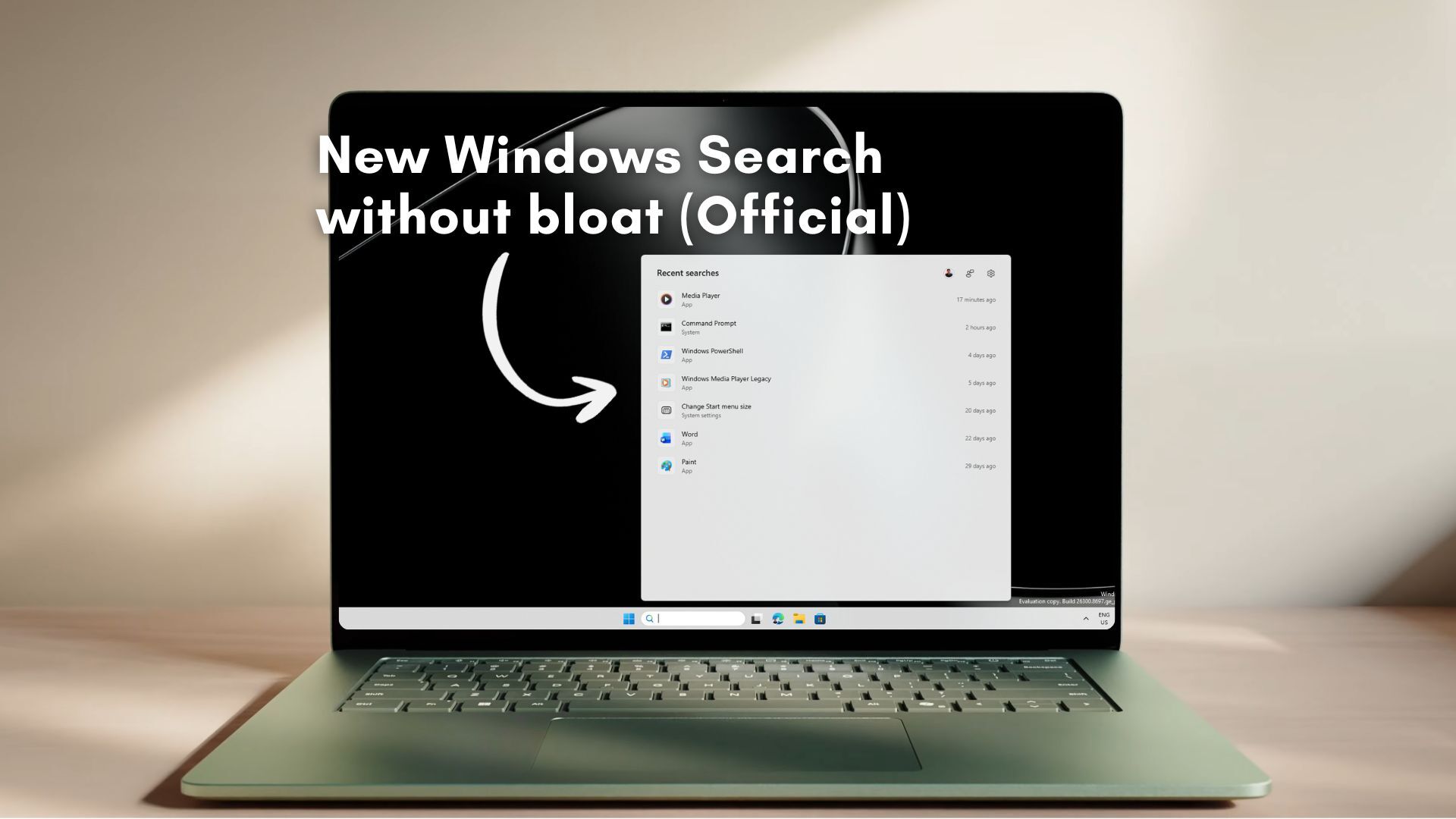
Edit: The article only says that they turned off Bing results (and added a toggle for the store)? That’s just how Windows users using O&O experienced search this whole time, right?
I don’t immediately see how this is different to eg KDE search functionality (also with added cools that I can do it in desktop, not having to click the search/start before).


Are there programs for Windows/Mac or Linux that make search of everything quick and instant? I can’t think of any that don’t involve pre-indexing or massively fail to find what you are looking for (or are slow).
Oh, … I got caught not reading the article, but I assume that goes for Microsoft as well - they do use indexing, right? Have since ever (but in those days you had to manually enable indexing, bcs slow HDDs at the time really bottlenecked)?
By “instant” I meant for indexed content (including installed things, etc). Idk, I don’t search much locally, but if I need a txt file from Documents that how I get it (Linux tho).
Doesn’t Spotlight on Macs work the same-ish or did they enshitify that too?
Edit: The article only says that they turned off Bing results (and added a toggle for the store)? That’s just how Windows users using O&O experienced search this whole time, right?
I don’t immediately see how this is different to eg KDE search functionality (also with added cools that I can do it in desktop, not having to click the search/start before).