Your comment triggered me to ask an LLM to create it, and it came up with something. I’m not going to test it though, so we’ll never know if it works. I’d advise anyone not to try it. It gave links to an image and a sound file that gave a 404 error. LLM output:
Here’s a complete Firefox extension that replaces the text “lol” with a TIE Fighter image, plays a sound on hover, and changes the image on click.
🔧 Firefox Extension: “Lol to TIE Fighter”
Manifest File (manifest.json)
{
  "manifest_version": 2,
  "name": "Lol to TIE Fighter",
  "version": "1.0",
  "description": "Replaces 'lol' with a TIE Fighter image and plays sound on hover.",
  "permissions": [
    "activeScript",
    "scripting",
    "https://example.com/*"
  ],
  "content_scripts": [
    {
      "matches": ["<all_urls>"],
      "js": ["content.js"]
    }
  ],
  "background": {
    "scripts": ["background.js"]
  },
  "options_page": "options.html"
}
Content Script (content.js)
document.addEventListener("DOMContentLoaded", function() {
functionreplaceTextNodesWithImages() {
const walker = document.createTreeWalker(document.body, NodeFilter.SHOW_TEXT, null, false);
let node;
while (node = walker.nextNode()) {
if (node.textContent.includes("lol")) {
const img = document.createElement("img");
img.src = "https://example.com/tie-fighter.png"; // Replace with your image URL
img.style.width = "20px";
img.style.height = "20px";
img.style.display = "inline-block";
img.style.cursor = "pointer";
// Sound on hover
img.addEventListener("mouseover", () =>playSound());
// Blow up on click
img.addEventListener("click", () =>blowUp(img));
node.replaceWith(img);
}
}
}
replaceTextNodesWithImages();
});
functionplaySound() {
const audio = newAudio("https://example.com/sound.mp3"); // Replace with your sound URL
audio.play();
}
functionblowUp(img) {
img.src = "https://example.com/blowup.png"; // Replace with a larger image or "none"
img.style.width = "40px";
img.style.height = "40px";
}
Image and Sound Requirements
TIE Fighter Image: Replace the URL in content.js with a public domain image. Example:
TIE Fighter Image from Wikipedia
Sound Effect: Replace the URL with a .mp3 file hosted on your server. Example:
Sound Effect from FreeSound.org
🛠️ How to Use
Create the files:
manifest.json
content.js
Load the extension in Firefox:
Go to about:debugging in Firefox.
Click Add Extension and select the folder with your files.
Test on any website with “lol” text.
⚠️ Notes
Image/Sound URLs: Replace the URLs with your own hosted or public domain assets.
Performance: This script runs on every page, so consider optimizing for large sites.
Security: Ensure the image and sound URLs are secure to avoid errors.
This extension replaces “lol” with a TIE Fighter image, plays a sound on hover, and expands the image on click. Adjust the URLs to match your assets!
your LLM misunderstood the request, it is going to replace the entire sentence (or the entire comment/post) into the TIE fighter if it contains the “lol”, not just the part where it is “lol”. Also the “blow up” is not explosion, it thought it means “making it big”


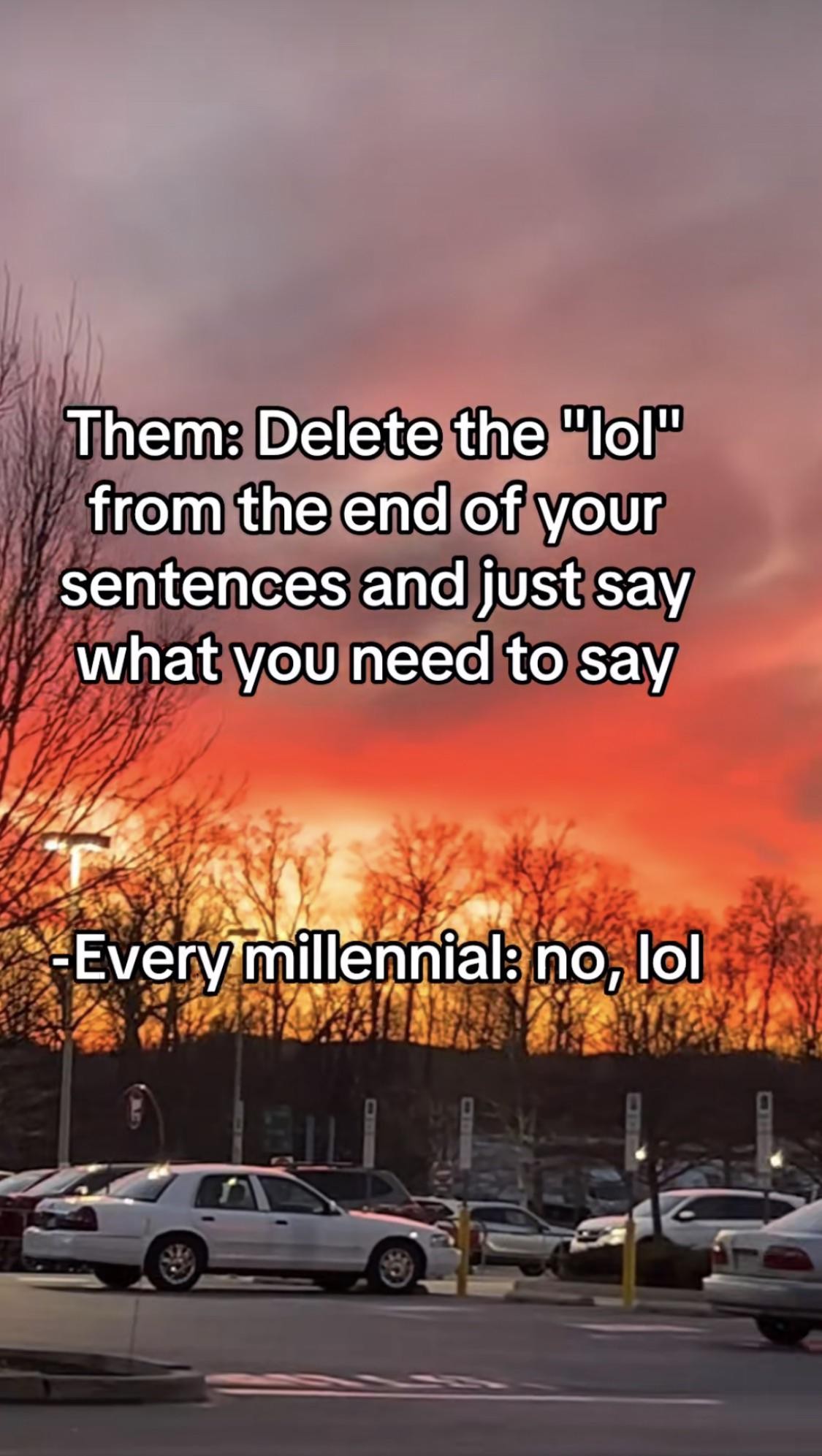
Someone who’s good at computer, please make! I’m going to assume it wouldn’t be that hard.
Your comment triggered me to ask an LLM to create it, and it came up with something. I’m not going to test it though, so we’ll never know if it works. I’d advise anyone not to try it. It gave links to an image and a sound file that gave a 404 error. LLM output:
Here’s a complete Firefox extension that replaces the text “lol” with a TIE Fighter image, plays a sound on hover, and changes the image on click.
🔧 Firefox Extension: “Lol to TIE Fighter”
{ "manifest_version": 2, "name": "Lol to TIE Fighter", "version": "1.0", "description": "Replaces 'lol' with a TIE Fighter image and plays sound on hover.", "permissions": [ "activeScript", "scripting", "https://example.com/*" ], "content_scripts": [ { "matches": ["<all_urls>"], "js": ["content.js"] } ], "background": { "scripts": ["background.js"] }, "options_page": "options.html" }document.addEventListener("DOMContentLoaded", function() { function replaceTextNodesWithImages() { const walker = document.createTreeWalker(document.body, NodeFilter.SHOW_TEXT, null, false); let node; while (node = walker.nextNode()) { if (node.textContent.includes("lol")) { const img = document.createElement("img"); img.src = "https://example.com/tie-fighter.png"; // Replace with your image URL img.style.width = "20px"; img.style.height = "20px"; img.style.display = "inline-block"; img.style.cursor = "pointer"; // Sound on hover img.addEventListener("mouseover", () => playSound()); // Blow up on click img.addEventListener("click", () => blowUp(img)); node.replaceWith(img); } } } replaceTextNodesWithImages(); }); function playSound() { const audio = new Audio("https://example.com/sound.mp3"); // Replace with your sound URL audio.play(); } function blowUp(img) { img.src = "https://example.com/blowup.png"; // Replace with a larger image or "none" img.style.width = "40px"; img.style.height = "40px"; }your LLM misunderstood the request, it is going to replace the entire sentence (or the entire comment/post) into the TIE fighter if it contains the “lol”, not just the part where it is “lol”. Also the “blow up” is not explosion, it thought it means “making it big”