

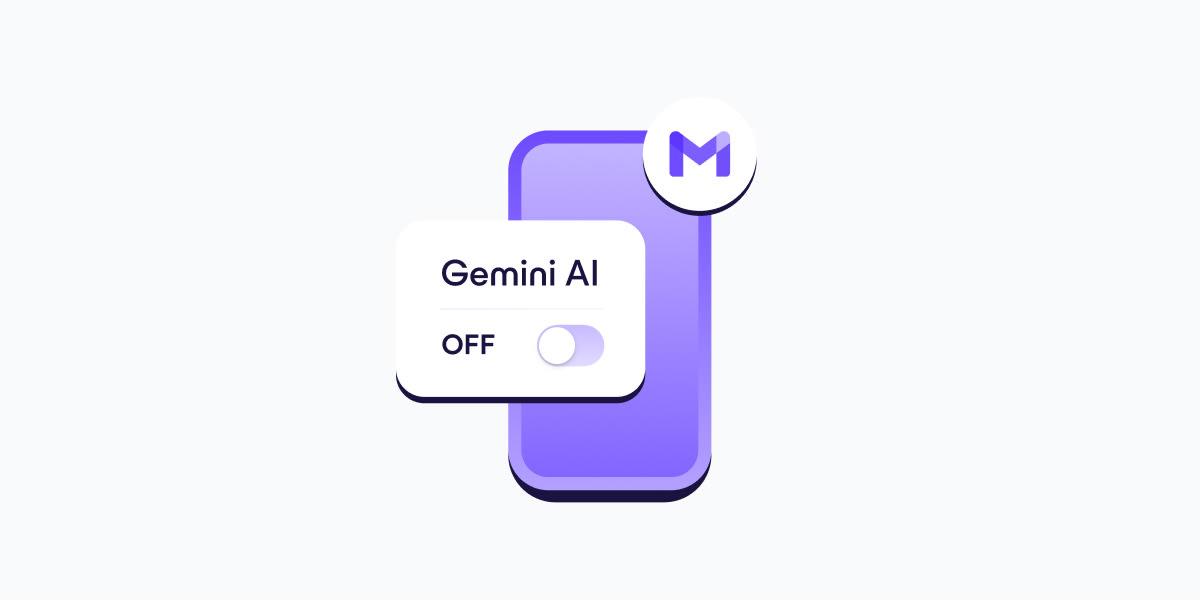
- In your Gmail app, go to Settings.
- Select your Gmail address.
- Clear the Smart features checkbox.
- Go to Google Workspace smart features.
- Clear the checkboxes for: Smart features in Google Workspace, Smart features in other Google products
- If you have more Gmail accounts, repeat these steps for each one.
- Turning off Gemini in Gmail also disables basic, long-standing features like spellchecking, which predate AI assistants. This design choice discourages opting out and shows how valuable your AI-processed data is for Google.
This has finally gotten me to take steps to deGoogle my email, Fastmail trial underway.
I don’t necessarily have a problem with offering AI. Especially in actually-useful contexts. I have a problem with it being forced on me in unwanted ones.
I have a problem with encryption possibly being a thing of the past because users I write with will put all incoming messages through some LLM because they can‘t be arsed to actually read and reply themselves.
Since when does email have encryption?
I mean in general. It doesn‘t matter what you use because the AI software will be installed on their phones.
Yes and no. If we’re talking about email, that’s completely different from Lumo, and can either be run locally or server-side with encryption, which is then immediately deleted.
https://proton.me/support/proton-scribe-writing-assistant#privacy
But I mean email is generally not private anyway.